
Updated
How to choose a TV stand in Lebanon (and what to measure first)
Measure the wall, the floor and the cable run first. Then match the stand to your TV: width for a low unit, and screen range, weight limit and VESA for a floor stand.
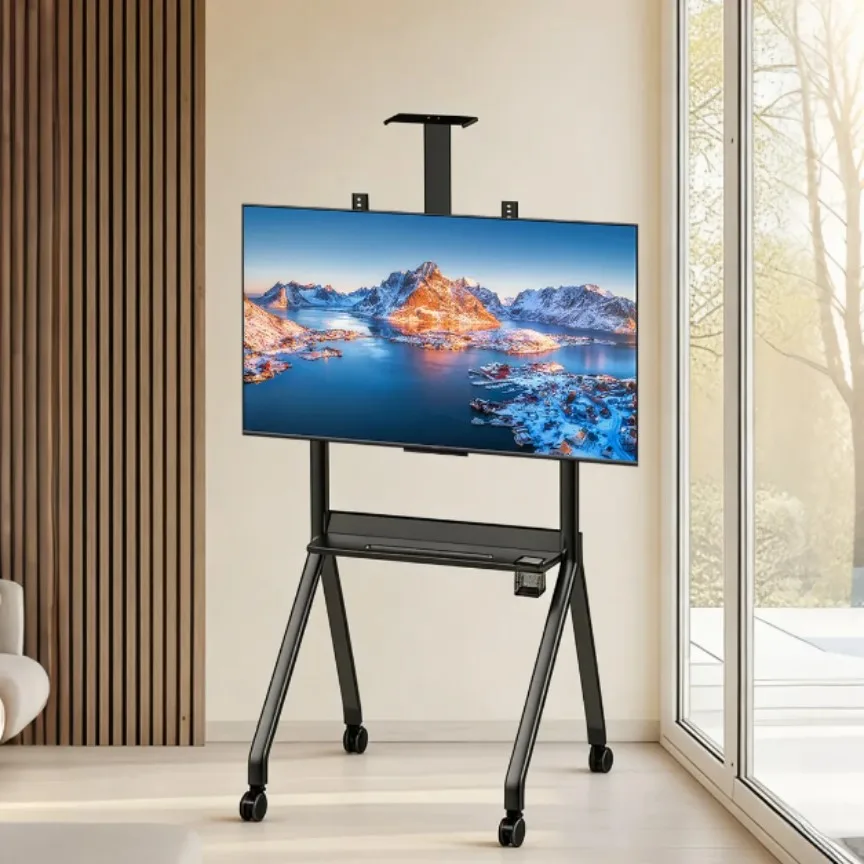
Measure the wall, the floor in front of it and the cable run before you look at stands. A 55 inch screen is about 122 cm wide without its frame, so a low TV unit for it should be wider than that. A floor stand, the kind we carry, has to list your screen size, carry your TV's weight and fit the VESA screw holes on the back of your TV.
Start with the wall, not the screen
Buy a stand to match the TV alone and it can end up blocking a socket on one side and the door on the other.
Measure these first:
- The usable wall width, minus sockets, door frames and windows.
- The floor depth you can give up without blocking the walkway.
- How far the TV, receiver and router cables reach to the nearest socket.
- Every doorway on the way, if you plan to roll the stand between rooms.
TV sizes are measured on the diagonal. Without the frame, a 16:9 screen is about:
- 43 inch: 95 × 54 cm
- 50 inch: 111 × 62 cm
- 55 inch: 122 × 68 cm
- 65 inch: 144 × 81 cm
- 75 inch: 166 × 93 cm
- 85 inch: 188 × 106 cm
Check the exact width, frame included, on your TV's spec sheet.
Low TV unit or floor stand: which do you need?
A low unit (a cabinet or console) carries the TV on its own feet. A floor stand holds it on a mount fixed to a pillar or frame.
For a low unit, go wider than the screen: around 140 cm for a 55 inch TV leaves roughly 9 cm on each side. Many TVs stand on feet near the outer edges, so check those fit, and keep the depth to what the feet and the receiver need.
A floor stand depends on three listed numbers instead:
- Screen size range. Your TV should sit inside it.
- Weight limit. Compare it with your TV's weight without its feet, from the spec sheet.
- VESA. The spacing of the four screw holes on the back of the TV, in millimeters, such as 400 × 400. The stand's maximum has to be at least that wide and that tall.
Every TV stand in our TV stands and furniture range is a floor stand, which also suits a rented apartment where you cannot drill the wall.
Which of our stands fits your TV?
Where a listing gives no figure, the table says so.
| Stand | Screen size | Holds up to | Max VESA | Also listed |
|---|---|---|---|---|
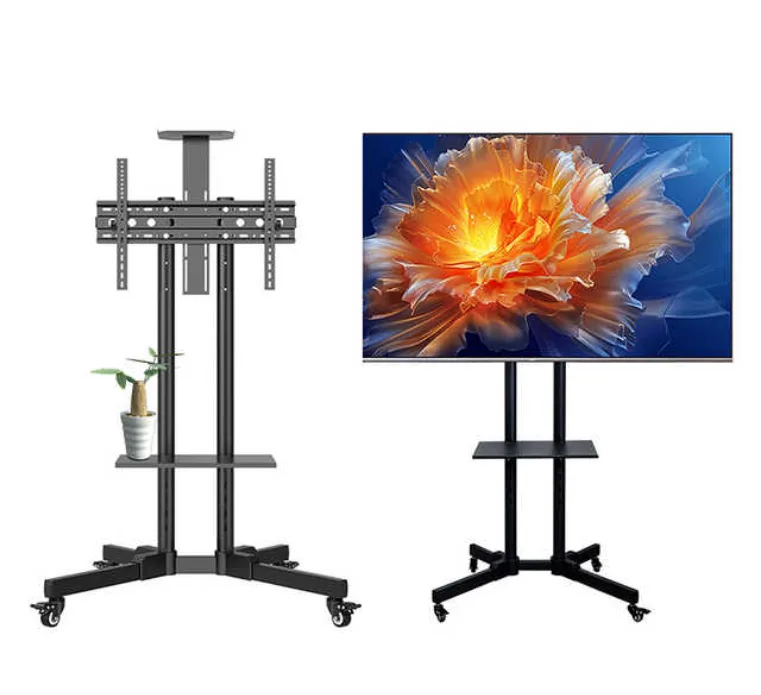
| TV Trolley Stand With Shelf | 32 to 80 inch | 50 kg | 600 × 400 mm | Steel, one shelf, tilts 15° up or down |
| TV Trolley Stand | 32 to 75 inch | 100 kg | Not listed | Height adjustable, 2 inch silent wheels, 700 × 430 × 1800 mm assembled |
| Heavy-Duty Mobile TV Stand Cart | 42 to 100 inch | Not listed | Not listed | Two pillars, wide base, adjustable media shelf, camera shelf, 4 locking casters |
| Premium Mobile TV Stand Cart | 55 to 120 inch | Not listed | Not listed | Steel A-frame, media shelf, detachable top shelf, 4 locking casters |
For TVs up to 75 or 80 inches
For a 43 to 65 inch TV, either trolley stand covers your size with room to spare.
Pick the TV Trolley Stand With Shelf if your TV's VESA pattern is 600 × 400 or smaller. It takes up to 50 kg, and its mount tilts 15° up or down, which helps when the screen sits above eye level.
Pick the TV Trolley Stand for a heavier TV or an adjustable height. It carries up to 100 kg and rolls on 2 inch silent wheels. To set the height, sit where you watch, have someone measure from the floor to your eyes, and put the middle of the screen near there.
 22% off
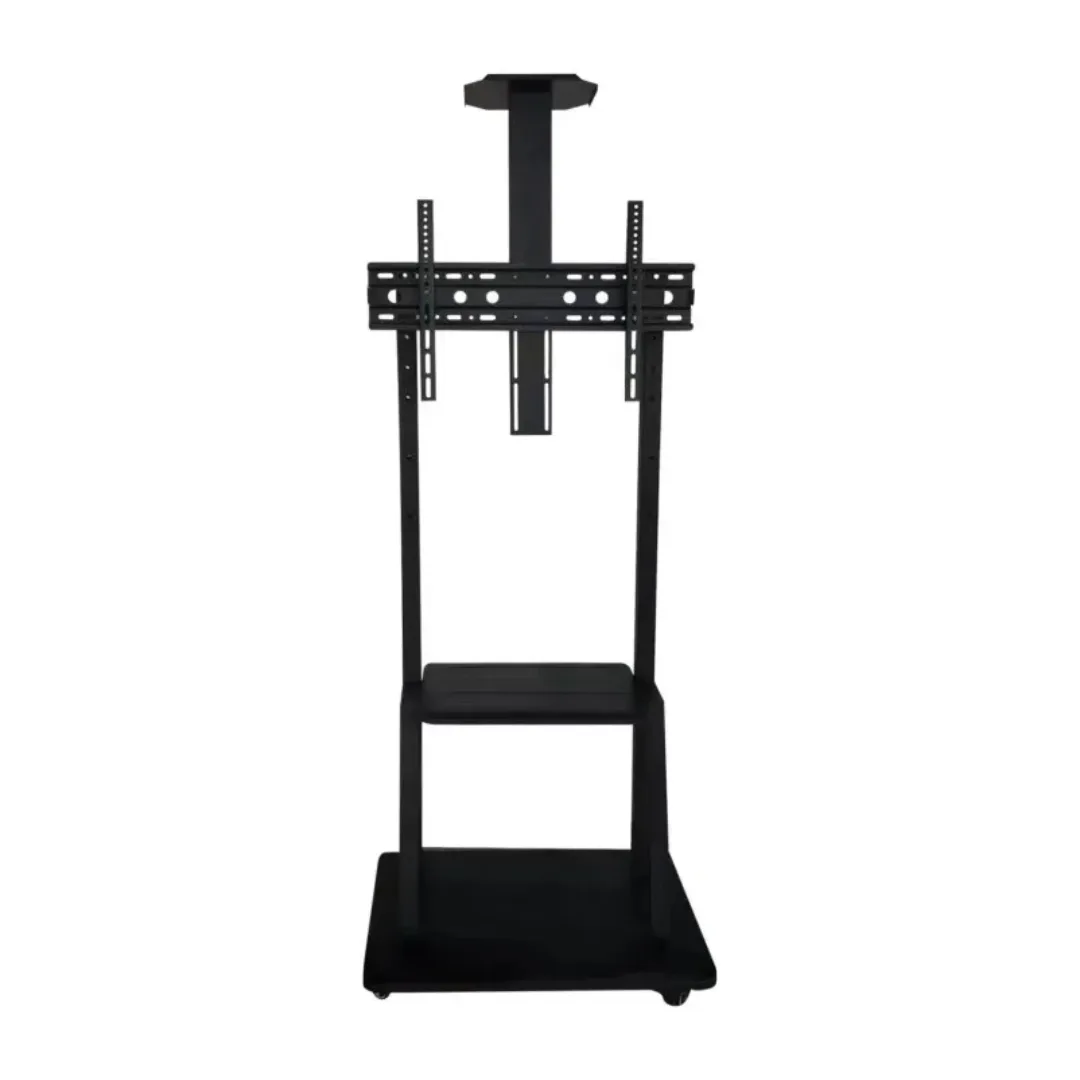
TV Trolley Stand
$120
For bigger screens, or a screen that moves
Above 80 inches, the Heavy-Duty Mobile TV Stand Cart and the Premium Mobile TV Stand Cart are the two that list your size. Both roll on four swiveling casters with locks, both have a media shelf and a top shelf for a webcam, and both listings say the HDMI and power cables run hidden along or inside the frame.
The Heavy-Duty stands on two pillars over a wide, solid base that keeps the weight low. The Premium stands on an A-frame of matte black steel legs.
Neither listing gives a weight limit or a VESA size, so ask us on WhatsApp with your TV's model before you order, through the contact page. And a 75 inch screen, about 166 cm across, will not roll through a standard door.
How do you keep the cables tidy?
A TV corner in Lebanon often runs a receiver, a router and a feed from a UPS or inverter, and every cable has to reach a socket.
- Run the cables down the pillar or frame and tie them every 20 to 30 cm.
- Leave a loose loop near the screen, so tilting or raising it does not pull a plug.
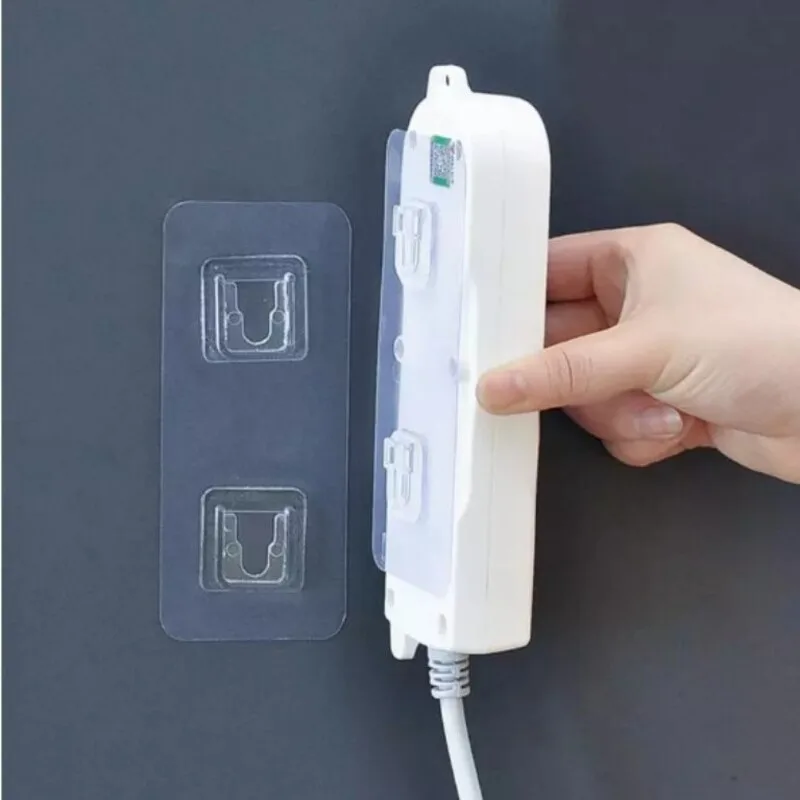
- Get the power strip off the floor, where it collects dust and gets kicked. The Row and Socket Holder is an adhesive holder for that, and its listing names hard, flat surfaces such as tile, metal and glass.
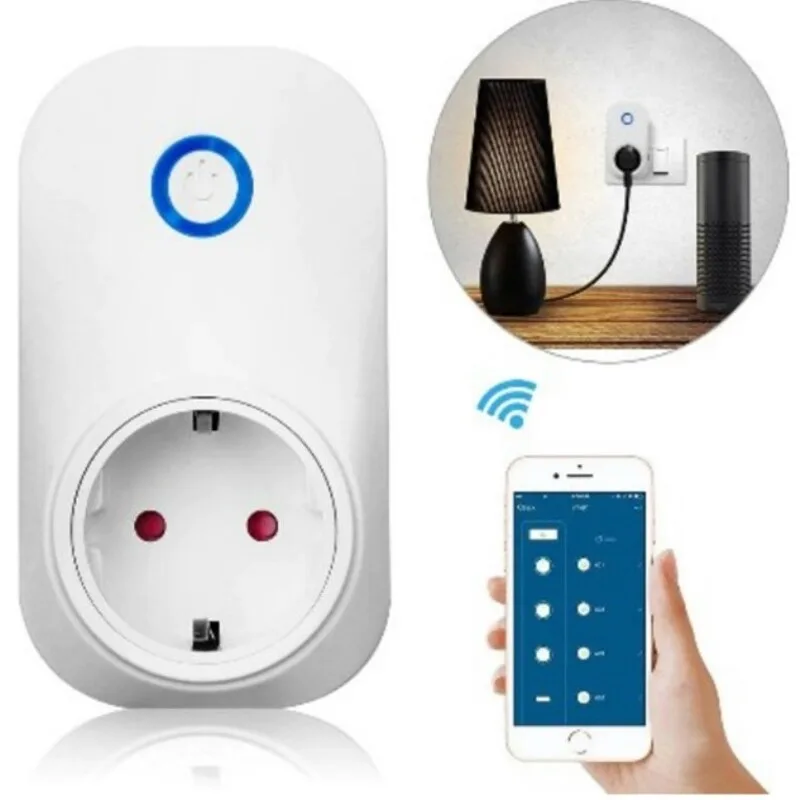
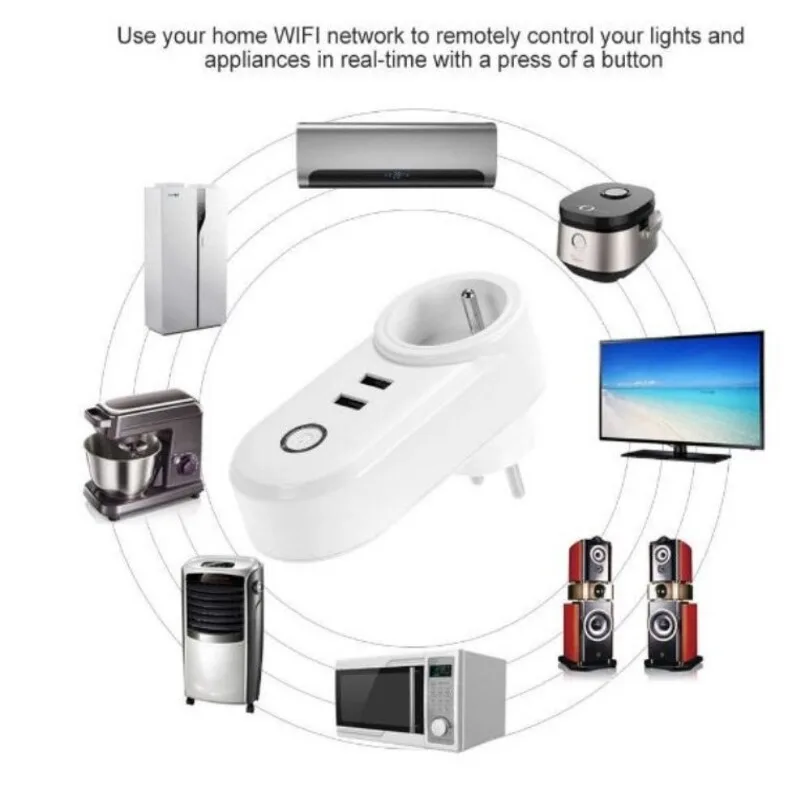
A smart socket switches the whole corner off from your phone or on a schedule, so nothing sits on standby all night. Plug the power strip into it.
- The Wifi Smart Socket has one outlet, grounding and a schedule function, rated 230V and 16A.
- The Smart Plug USB DUO adds a timer and voice control but is listed as non-grounding, so use it for plugs without a ground pin.
- Keep the router off the smart socket. The socket takes its orders over Wi-Fi, so cutting the router cuts your control.
For the sofa, the Couch Cup Holder Tray sits on the armrest and holds a cup, your phone and the remote. It is food-grade silicone and fits armrests wider than 6 inches (about 15 cm). More plugs are in smart home.

What to expect when the box arrives
Floor stands usually arrive in parts. The TV Trolley Stand's box, for example, is 1490 × 560 × 60 mm and about 13 kg, which is worth knowing if the elevator is off on delivery day.
- Build it in the room where it will stand, with every part laid out first.
- If the wheels lock, lock them before the TV goes on.
- Lift the TV onto the mount with two people.
- Stay inside the listed screen range and weight limit, and never force a screw.
Delivery details are on the delivery page, and return terms are on the returns page.
Questions people ask
How much wider than the TV should a TV stand be?
A low unit should be wider than the screen: around 140 cm for a 55 inch TV, which is about 122 cm wide. On a floor stand, width matters less than the screen range, weight limit and VESA.
Can a floor stand hold a 65 inch TV?
All four stands in the table list 65 inches. The TV Trolley Stand With Shelf takes up to 50 kg and the TV Trolley Stand up to 100 kg. The other two list no limit.
Where do I find my TV's VESA size?
On the spec sheet or in the manual, written like 300 × 300. You can also measure it: center to center between the mounting holes on the back, side to side and top to bottom, in millimeters.
Do I need a TV stand with wheels?
Only if the screen moves between rooms, or you want easy access behind it for cleaning and cables. Wheels that lock keep it still the rest of the time.